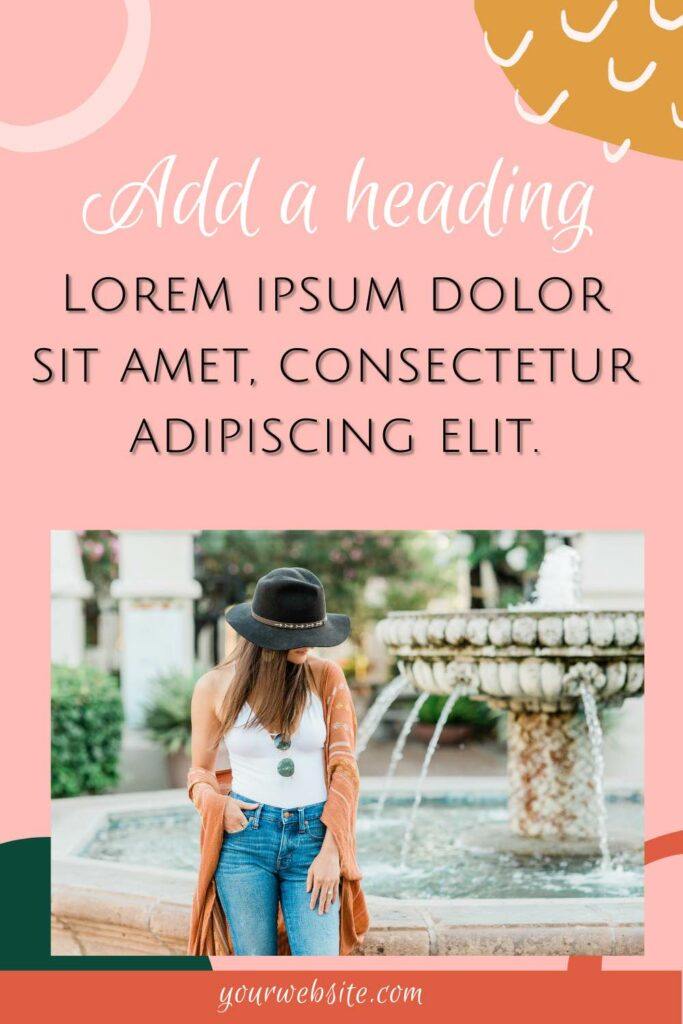
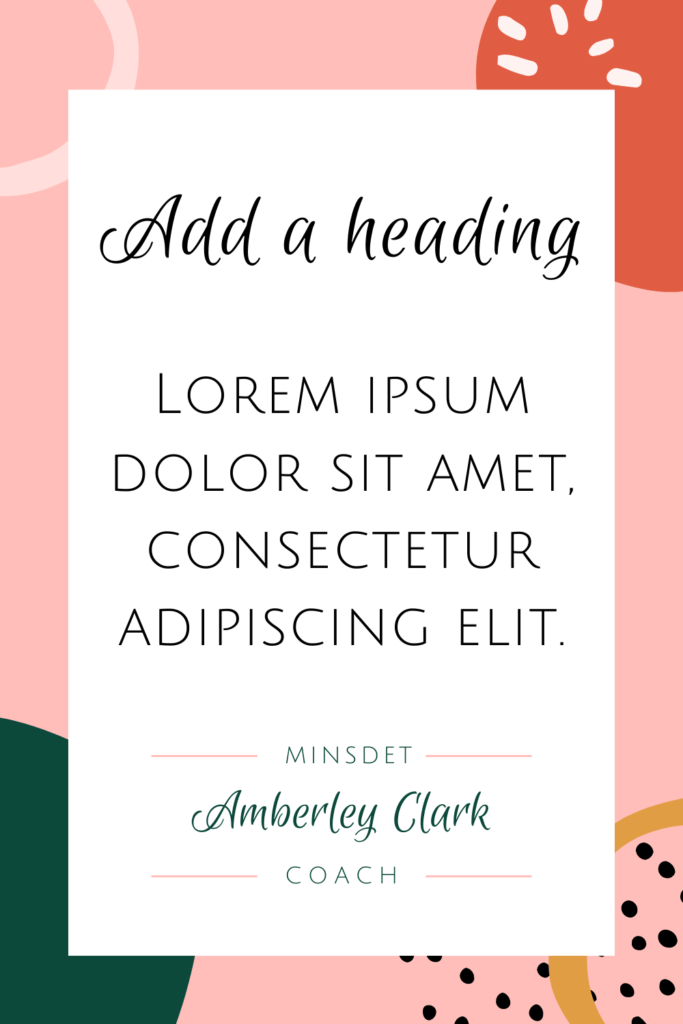
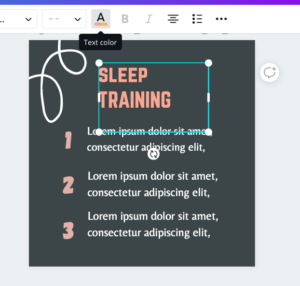
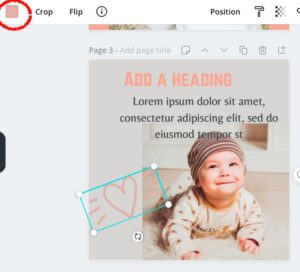
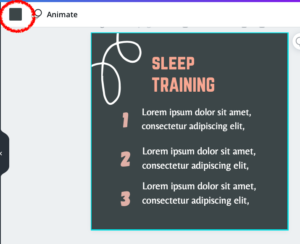
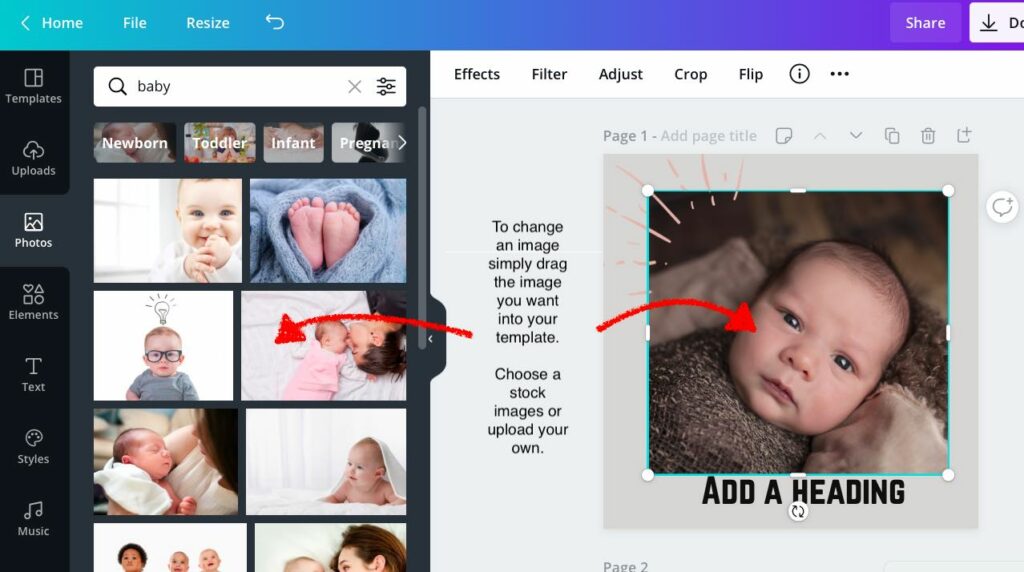
As you can see templates come with placeholder text and images that you can easily edit to create your own post images.
There are Canva templates for all social media platforms such as Instagram, Pinterest, Facebook, Twitter, and Linked In. You will also find Canva templates for almost every imaginable business need including templates logos, business cards, letterheads, workbooks, CVs and more.
Free Vs paid Canva templates
The advantage of purchasing a Canva template pack is that you will instantly have a selection of similarly designed templates to use on your feed.
The free social media templates available on Canva are usually a one-off template (other than some Instagram story sets available). When you purchase a Canva template pack you receive a selection of beautifully designed posts that look harmoniously when posted together. It is an easy and fast way to create an engaging and eye-catchy feed.
Some paid packs include templates to use across several social media platforms, allowing you to keep a cohesive look throughout with little effort.
You may also like: How to build your own WordPress website in 5 easy steps
Create social media images in less than 30 seconds
Once you have purchased your Canva template pack, you should spend a bit of time making tweaks to make them your own.
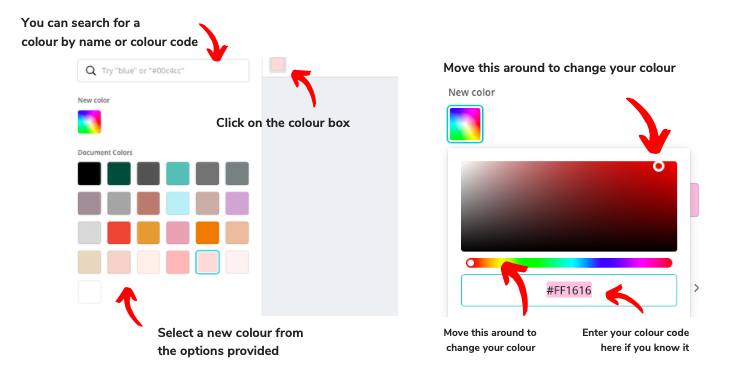
Change the fonts and colours (if needed) to match your branding and create a similar feel to the material that you use elsewhere. You want your customers to be able to recognise your brand instantly when they see one of your posts coming up on their feed.
In this video I will show you how easy it is to update a Canva template. It literally takes only seconds!