The Myth of Having to Pay Top Dollars for a Website
Your website is your digital window to the world. It is what your potential customers see when they are considering your services. Your website should showcase your business in the best light, clearly communicate what you do and reflect your uniqueness. On top of that, it needs to be mobile-friendly and have a design that encourages conversions.
Many people think that to achieve the above you need to either:
A – Pay someone thousands of dollars or,
B – Be a computer genius to build your own.
This may have been the case many years ago, but it is no longer true!. Nowadays there are many tools that allow you to DYI a top-quality website without breaking the bank!
The 3 Tools I used to Build My Website
While there are many tools out there that allow you to build your own website, in this article, I am going to talk you through the ones I used myself to build this website, which are WordPress + Elementor + Bluchic template.
Let me tell you a bit more about them:
WordPress
WordPress probably doesn’t need an introduction. It is the world’s most popular content management system, with 41% of the websites in the world built using this platform.
I chose WordPress as I had some experience using WordPress from managing client’s websites. So while I had never built a website using WordPress myself, I was familiar with the back-end and the basic navigation.
Having said that, if you have never used WordPress before, don’t let that discourage you. The dashboard is easy to navigate.
GET A STEP-BY-STEP SYSTEM TO WRITE BLOG POSTS LIKE A PRO
Elementor
Elementor is the most popular WordPress website builder. Once again, I discovered Elementor by using it for a client, and I was instantly hooked.
Elementor is easy to use and fun! It uses an intuitive drag and drop system that allows you to easily figure out the basics yourself without the need of watching tutorials. With a bit of trial and error, you can learn how to use Elementor in an afternoon.
For those times when you are trying to do something a bit more advanced or get stuck, Elementor has a great tutorial library that can get you out of trouble. And if you cannot find your answer there, You Tube is packed with Elementor tutorials, so it won’t be hard to find a solution.
Best of all, Elementor is free! I use the Pro version, which I think is totally worth the money, but the basic version is more than enough to get you started.
Bluchic Template
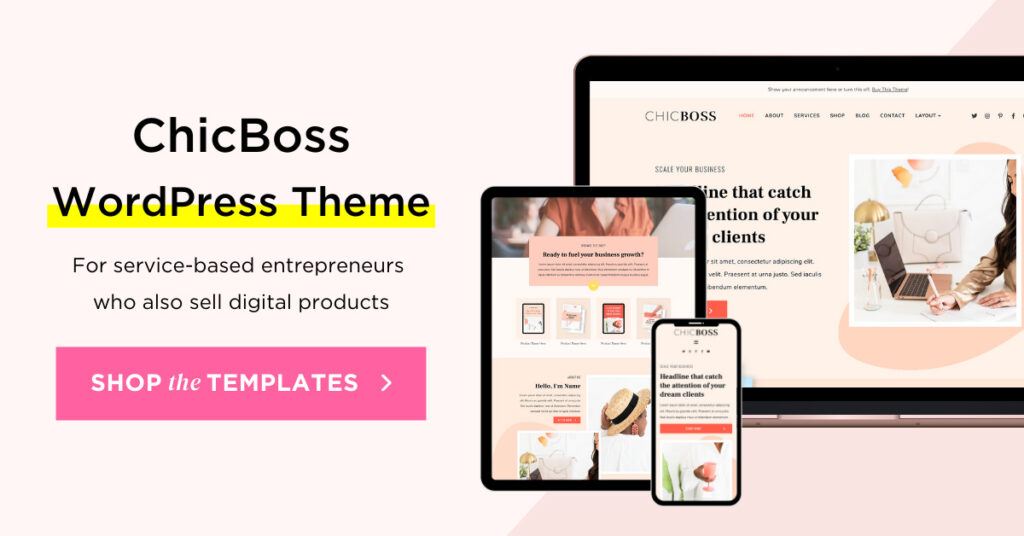
While it is possible to build a website from scratch using Elementor, I chose to buy a ready-made template to save time and hassle. Plus I am no web designer, so nothing I had made myself would look as good as a professionally-made template!
And while there are thousands of free and premium templates out there, I bought one from a business called Bluchic, and I am so happy I made that call!