How to optimise images for SEO
Once you have the images that you want to use in your blog post (whether it is a stock photo or something that you’ve created on Canva) follow these steps to ensure that they are SEO optimized:
1 – Use a long-tail keyword in your image name
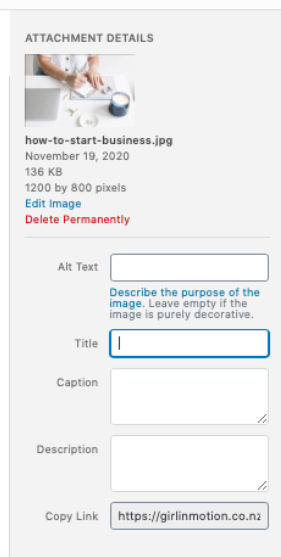
Change the file name of your image to include your keyword before you upload it onto your site.
Note: check out this blog post to learn more about long-tail keywords and how to do keyword research.
2 – Use hyphens to name your image file
You should always use hyphens to separate the words that you use in your file name.
So your image may be called: logo-designer-auckland.jpg
This is because a hyphen signals search engines that those are separate words.
3 – Check your image size
Google rewards sites that offer a good experience for its users, and no one likes a slow loading site. This is why you should take into account the size of your images before you upload them into your blog post. Big images can slow down your website’s loading time.
At the same time, you want to use high quality images – no one likes blurry or low quality images either! So it is a bit of a balancing act.
If you use WordPress, there are several plugins that you can install to reduce the size of your images without affecting the quality. I use Kraken.io, but there are many options out there.
Check out this blog post at Hubspot for more recommended plugins.